
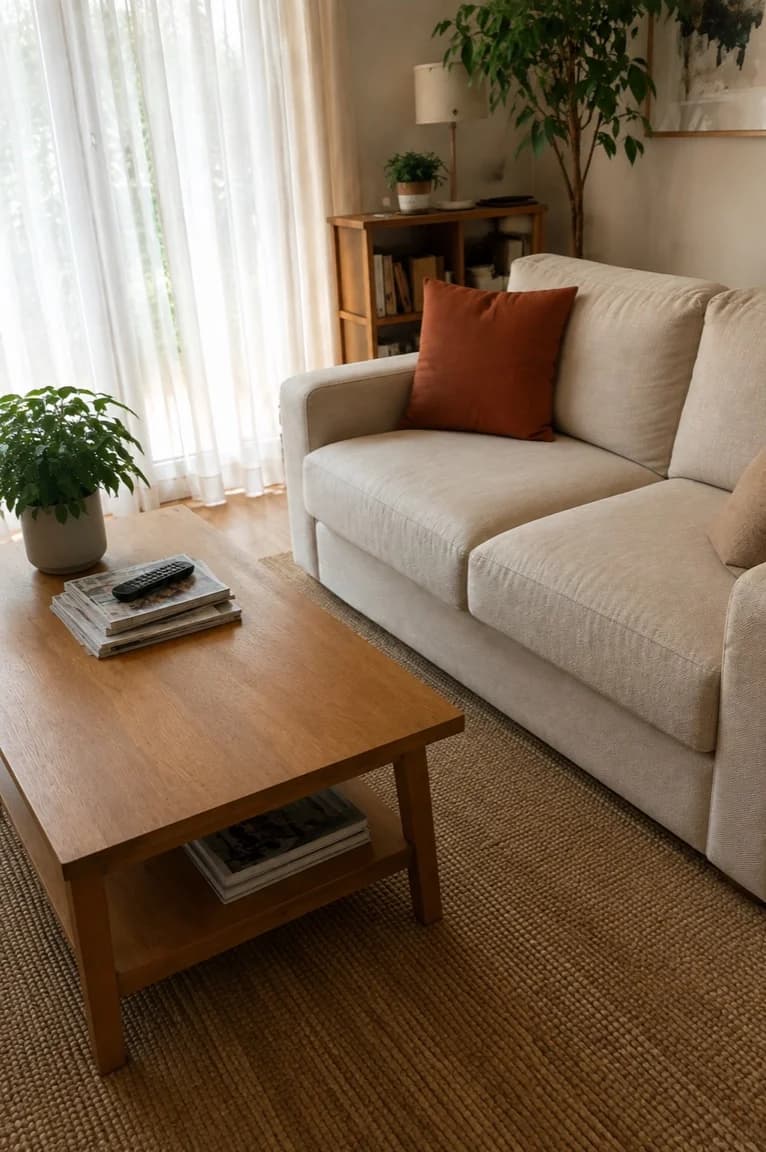
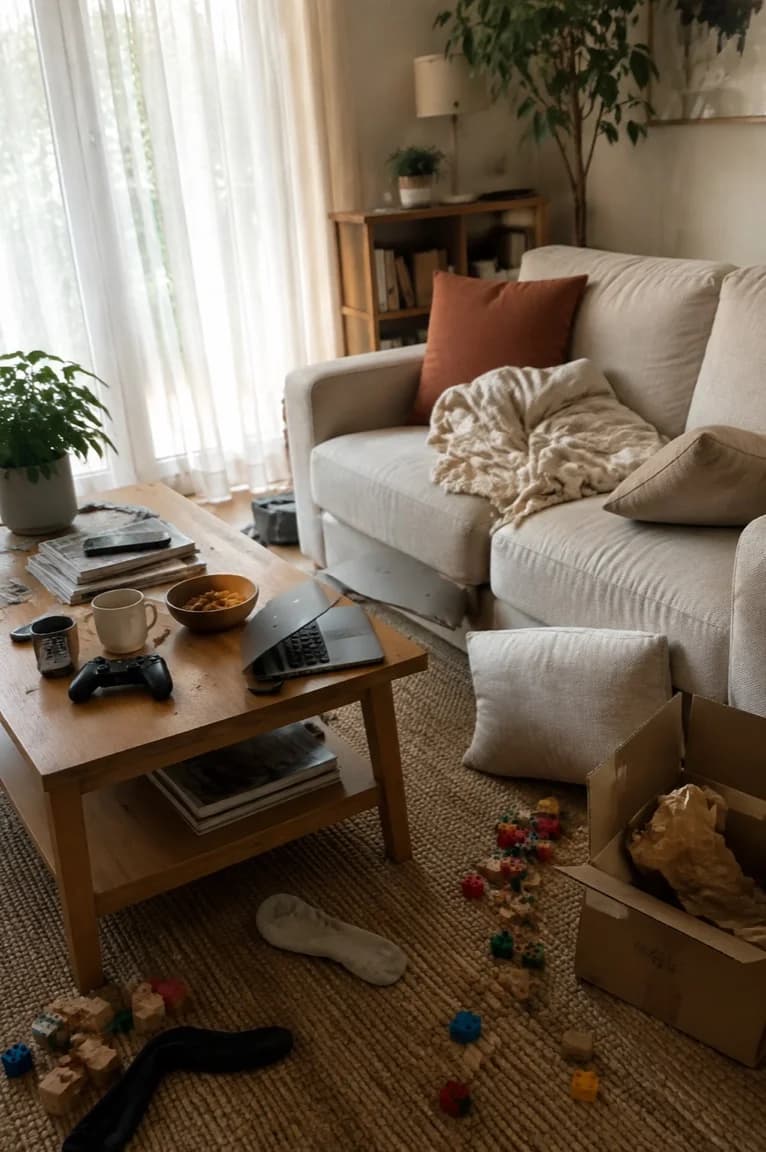
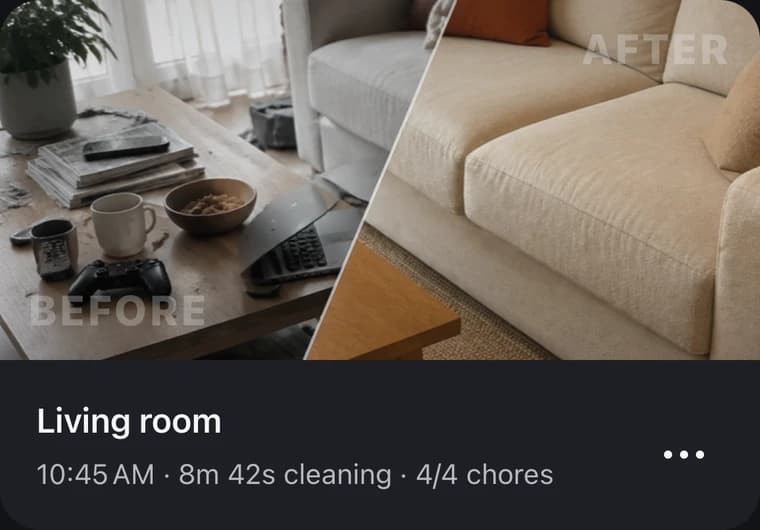
Living room
8m 42s cleaning 4/4 chores
A house cleaning app for iPhone
Pick a space, choose your time and energy,
and get a cleaning plan.
The dishes. The laundry. The chair that's become a wardrobe. When everything needs doing, it's hard to know where to start. Start with one thing.
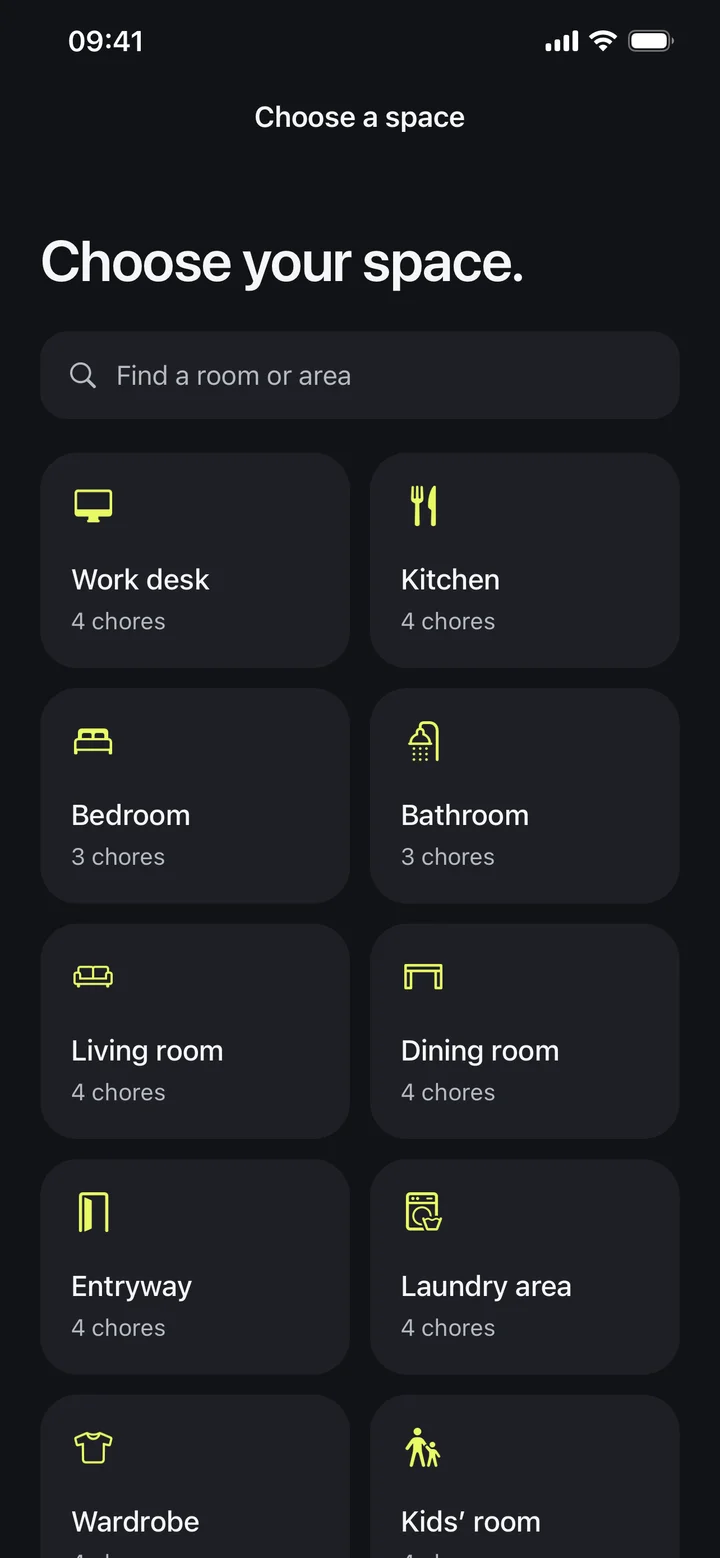
Start with the room you want to clean.
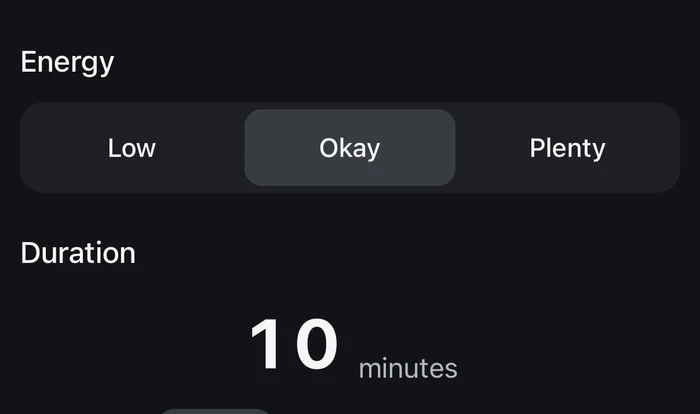
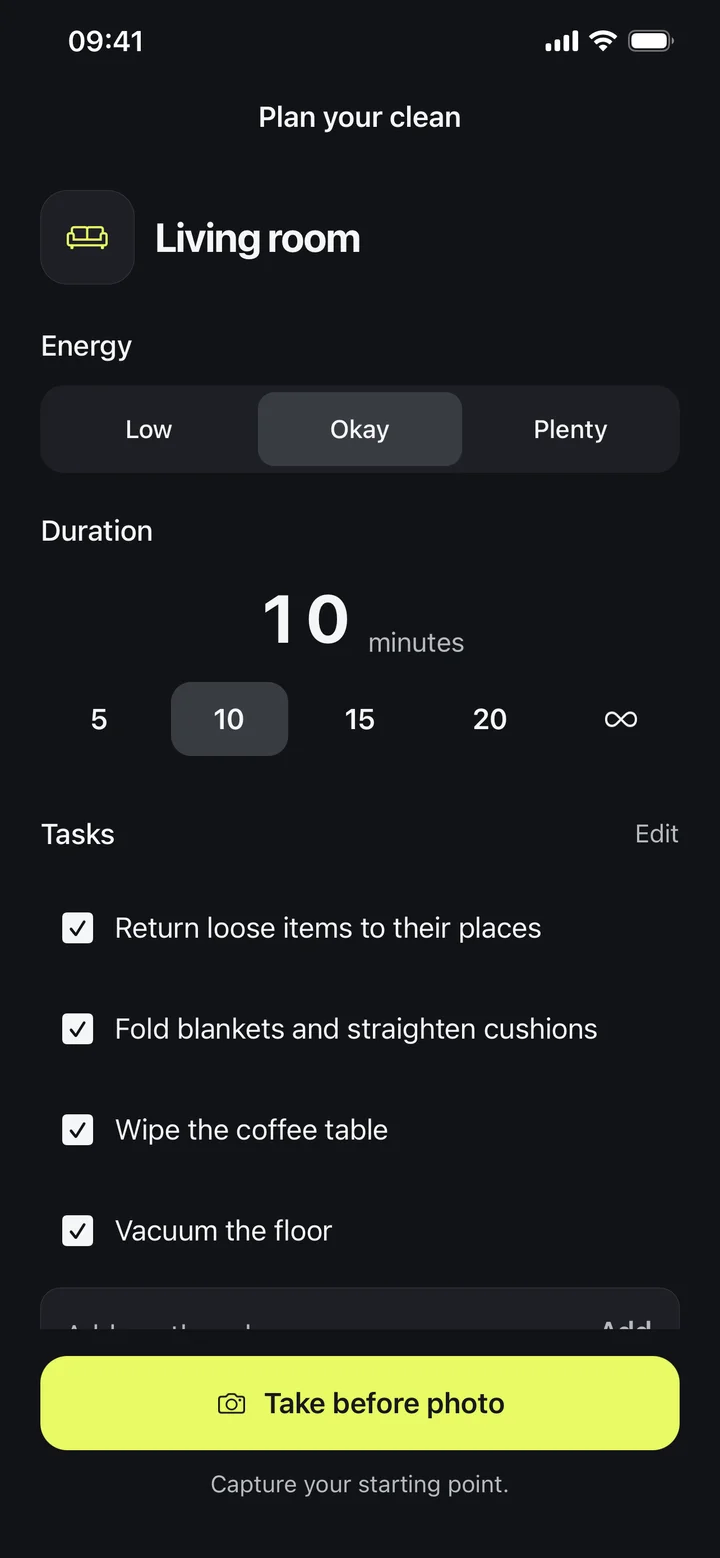
Choose your time and energy. Review the chores before you start.
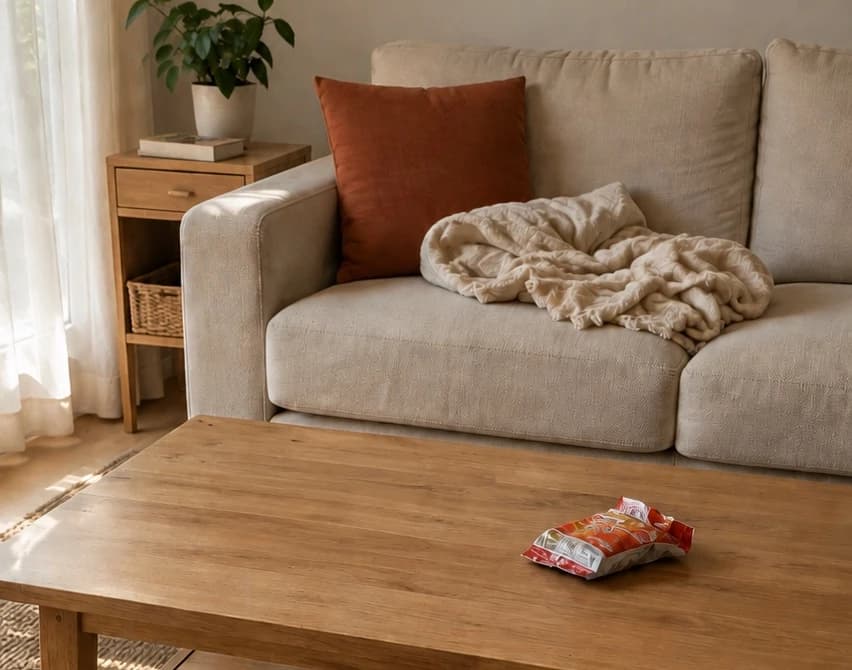
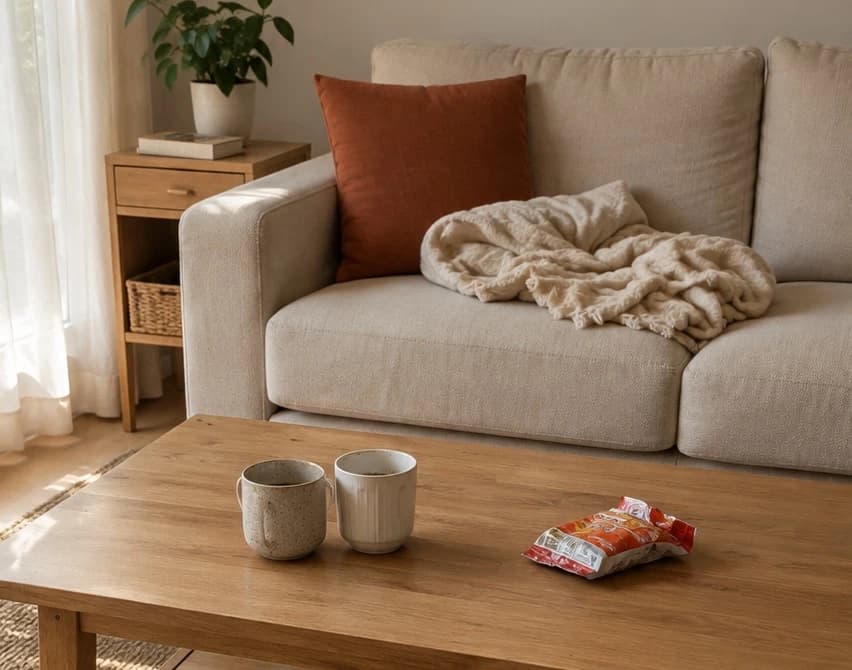
Capture the room before you start.
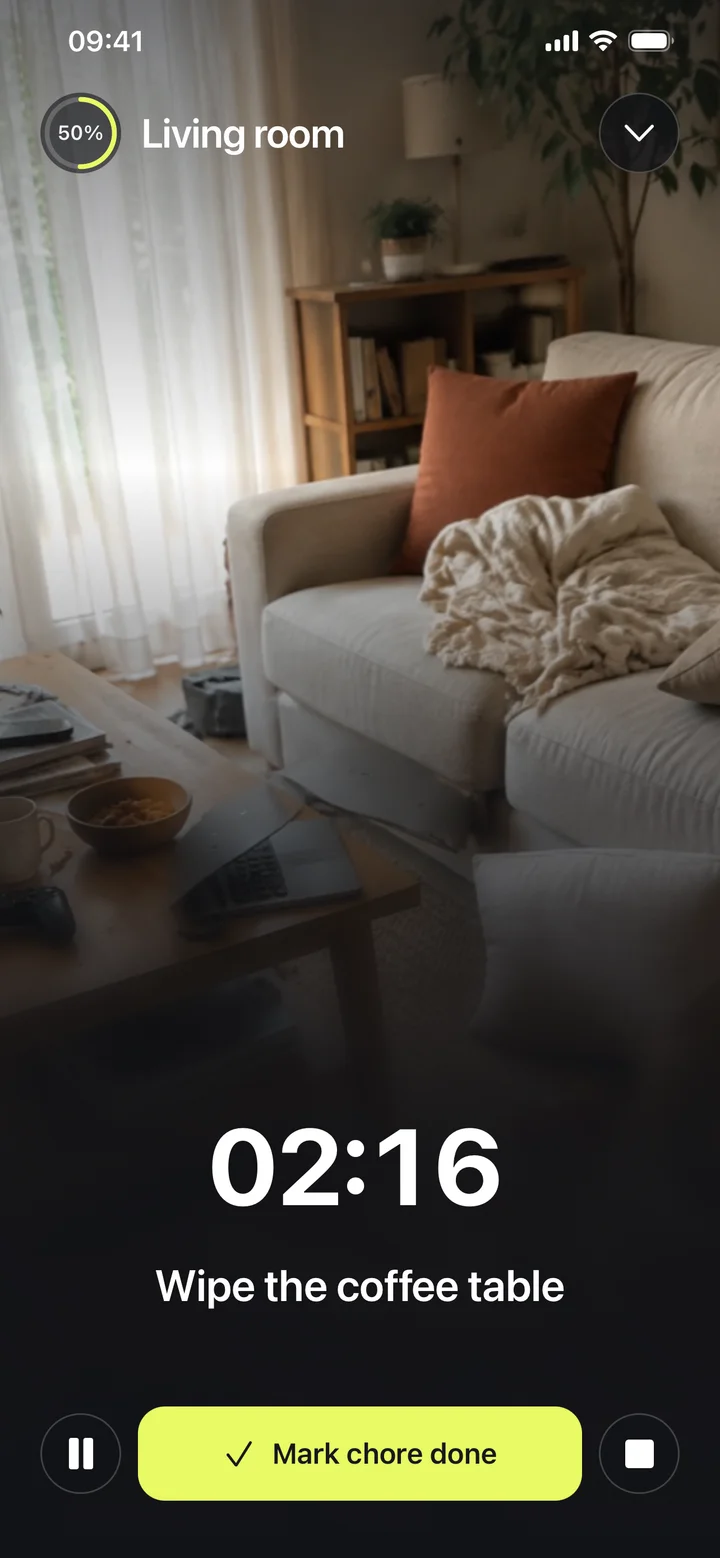
Work through the list and check off each chore as you go.
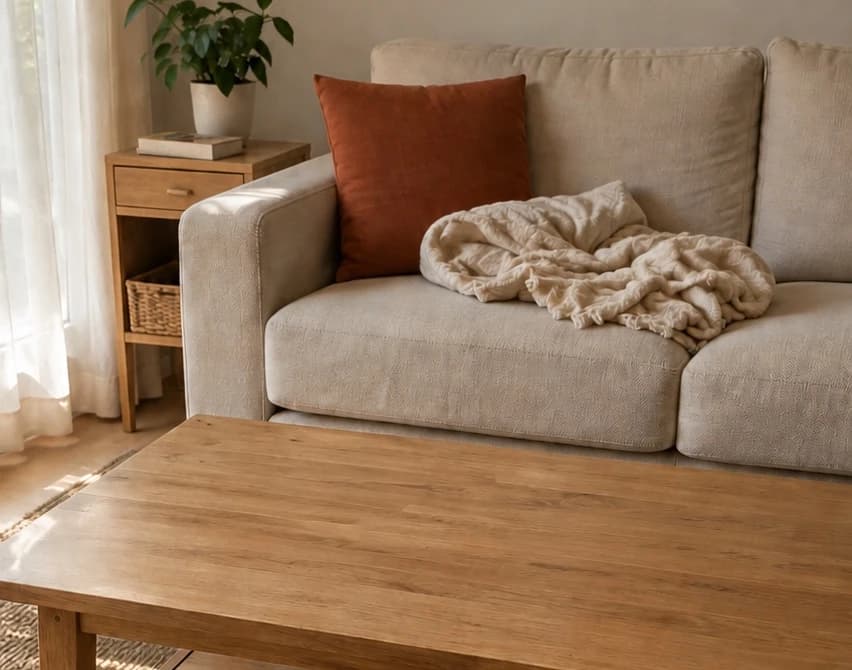
Add an after photo and keep the clean in your history.
Chore 1 of 3: Take cups to the sink
Look back at completed chores, cleaning time, and before and after photos.
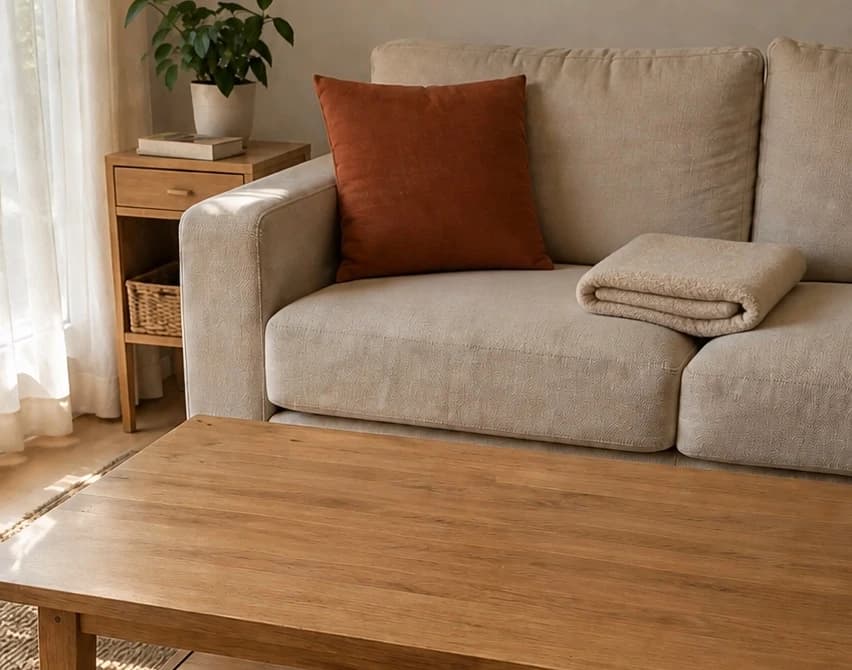
See the before and after8m 42s cleaning 4/4 chores
12m 18s cleaning 4/4 chores
✓7m 5s cleaning 3/3 chores
✓Neatlet selects from your space's chore list based on your time and energy. Low energy gives you lighter tasks.
No. Photos are optional and stay in your cleaning history. They are not used to identify chores.
Yes. Create your own spaces, add chores, and put them in the order that works for you.
No. An account and paid access are required. Choose a weekly or yearly subscription, or a one-time lifetime purchase. There is no free trial. Prices are shown in the app.
Yes. Export a photo or a reveal video, then choose where to share it.
Neatlet is available now on the App Store for iPhone.